SYNOLOGY · VIEW ALL SYNOLOGY →
Synology DiskStation DS Series NAS (2, 4, 5, 8 & 12-Bay) with Synology HDD Options
Synology DiskStation DS Series NAS (2, 4, 5, 8 & 12-Bay) with Synology HDD Options
SKU:DS223J
In stock
Couldn't load pickup availability
- ✔ Genuine product with manufacturer warranty
- ✔ GST invoice on every order
- ✔ Free advice on compatibility before you buy
- ✔ Visit us at SP Road, Bengaluru · Mon–Sat
Questions about this product? WhatsApp our team ↗
Official Synology resources
- 🛡 Register & warranty ↗
- ⬇ Drivers, firmware & software ↗
- ✔ Drive compatibility list ↗
- ▶ Try DSM live ↗
BEFORE YOU BUY
Complete your storage setup.- Confirm whether drives are included or sold separately.
- Check the exact drive models on the NAS compatibility list.
- Plan usable capacity and a separate backup destination.
Need help with this model? Email support · WhatsApp · Call 9916584123
Product specifications & details
One listing. Every Synology DS NAS and drive combination.
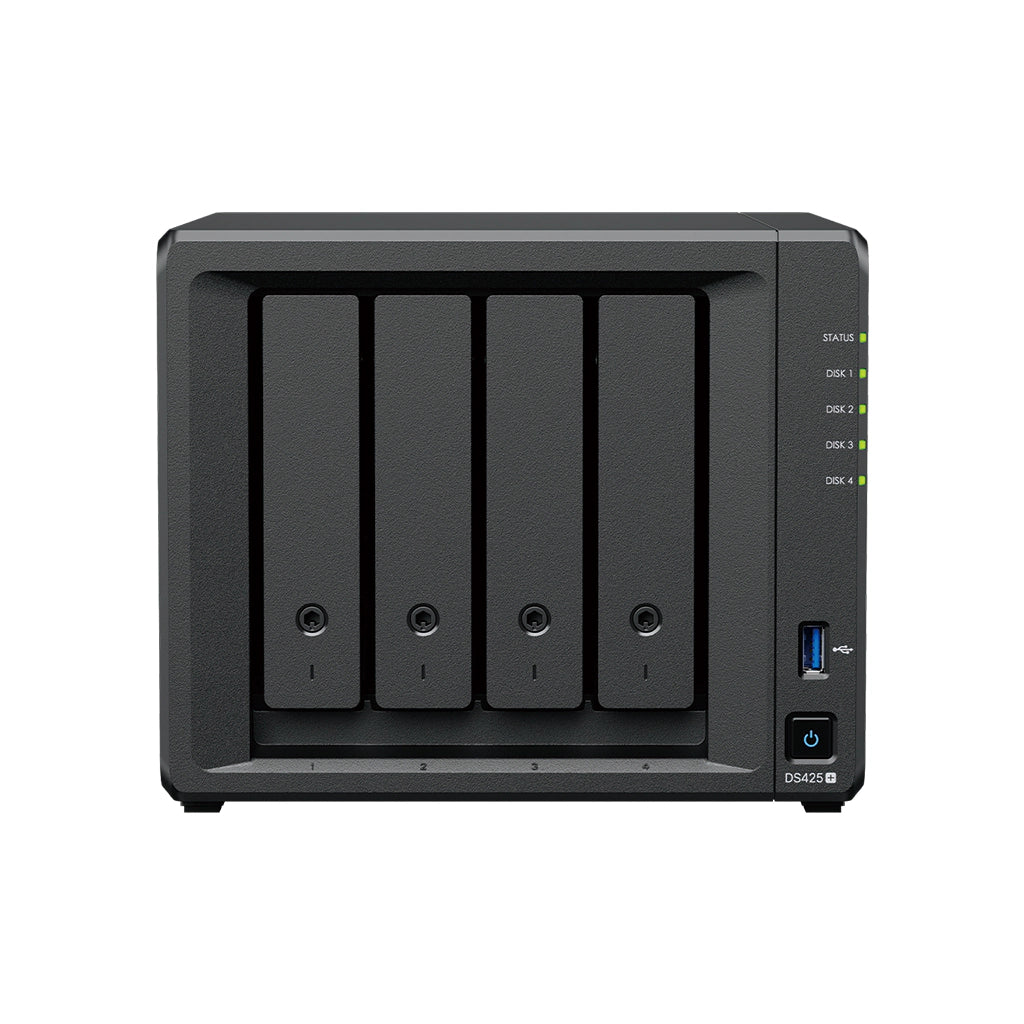
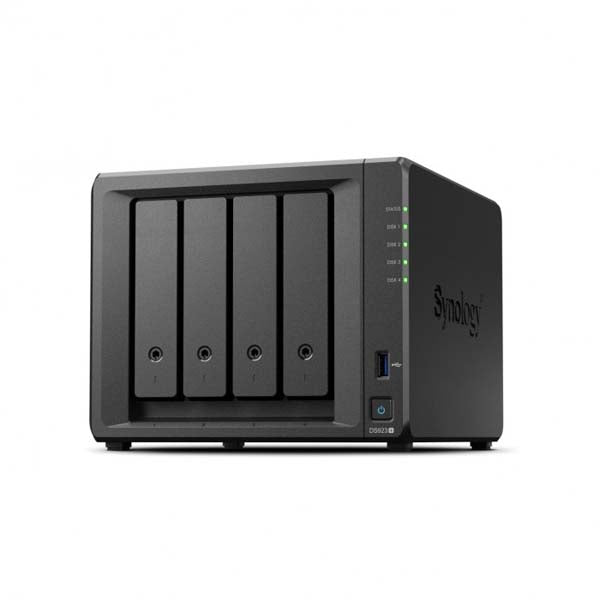
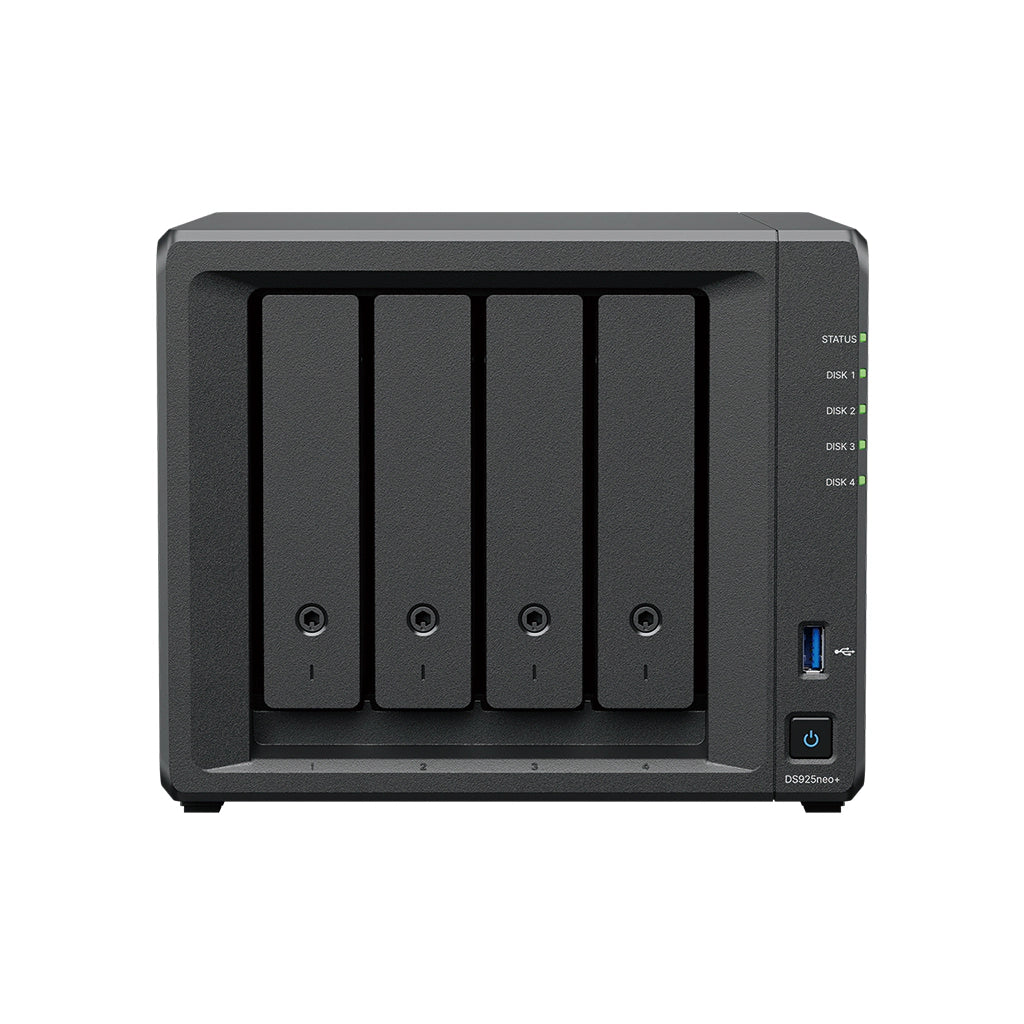
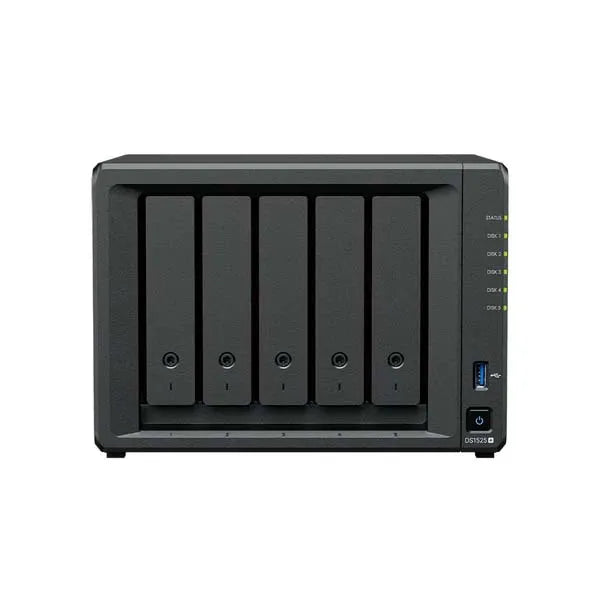
Build your exact Synology DiskStation here: choose the number of bays (2, 4, 5, 8 or 12), the DS model, and a matching Synology HDD from 4TB up to 24TB. The photo, price and stock update as you change each option.
Choose your bays
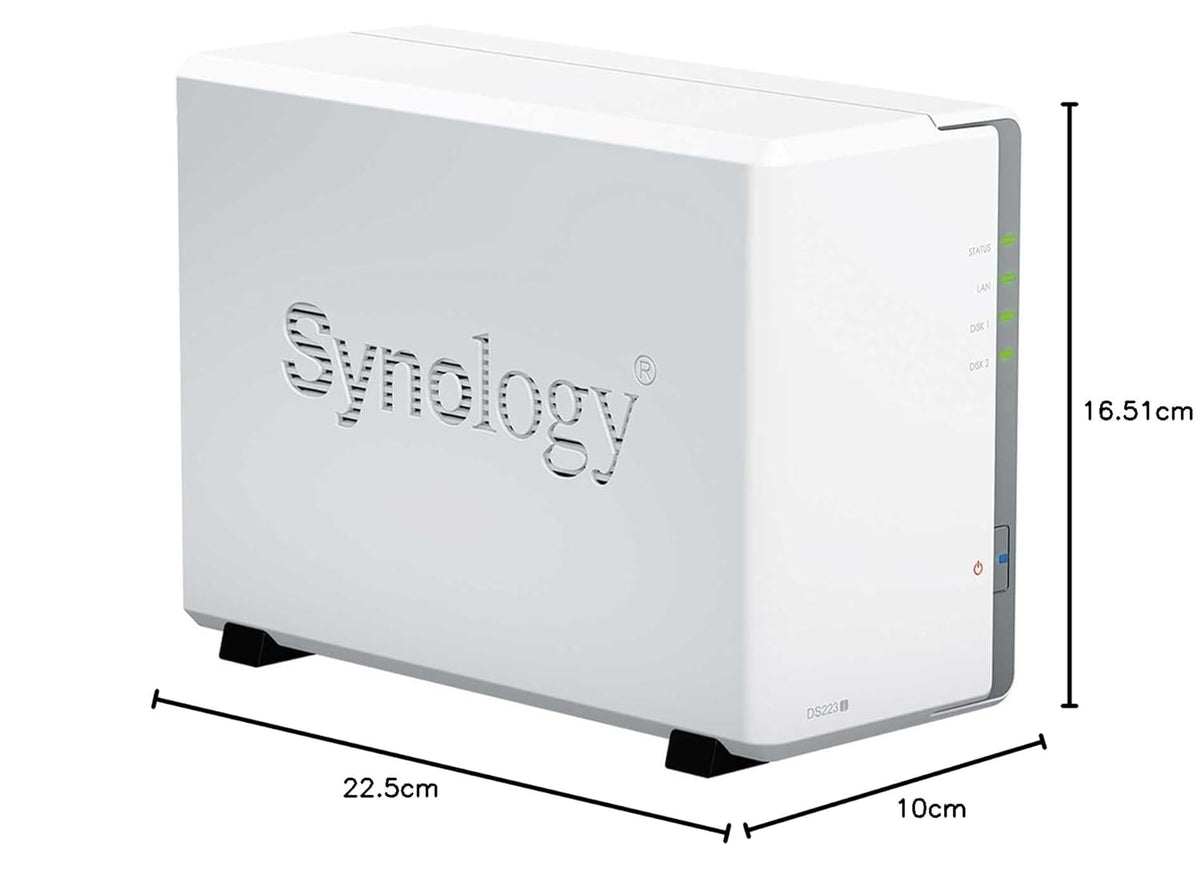
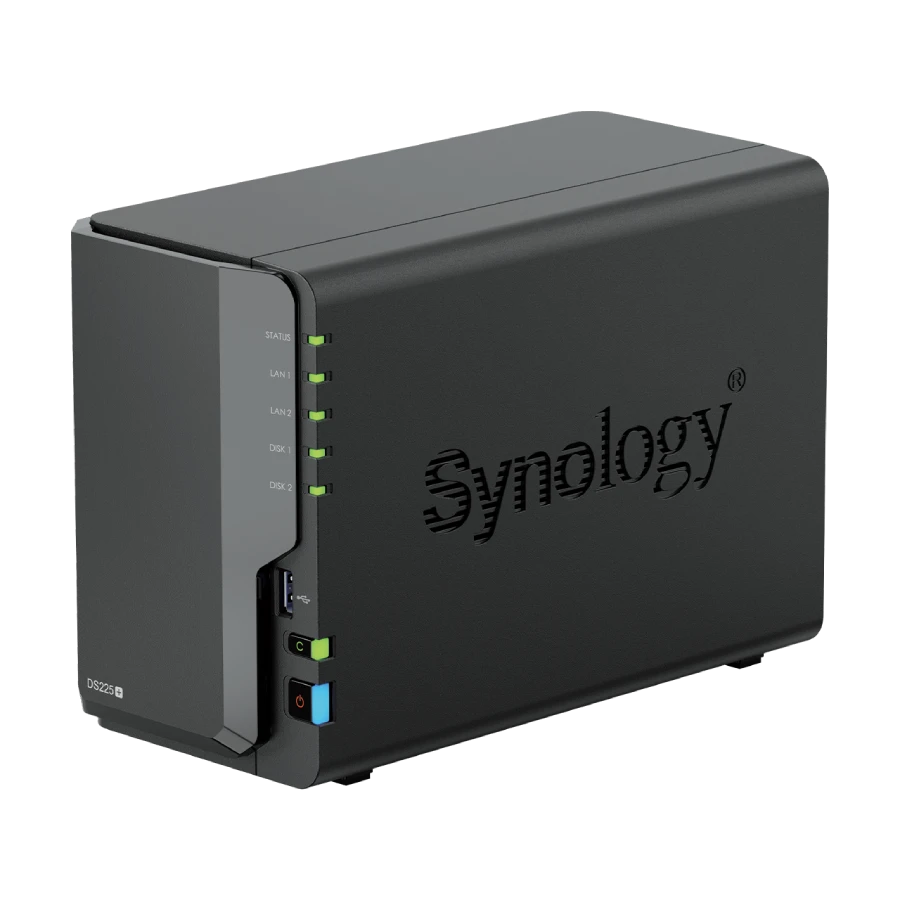
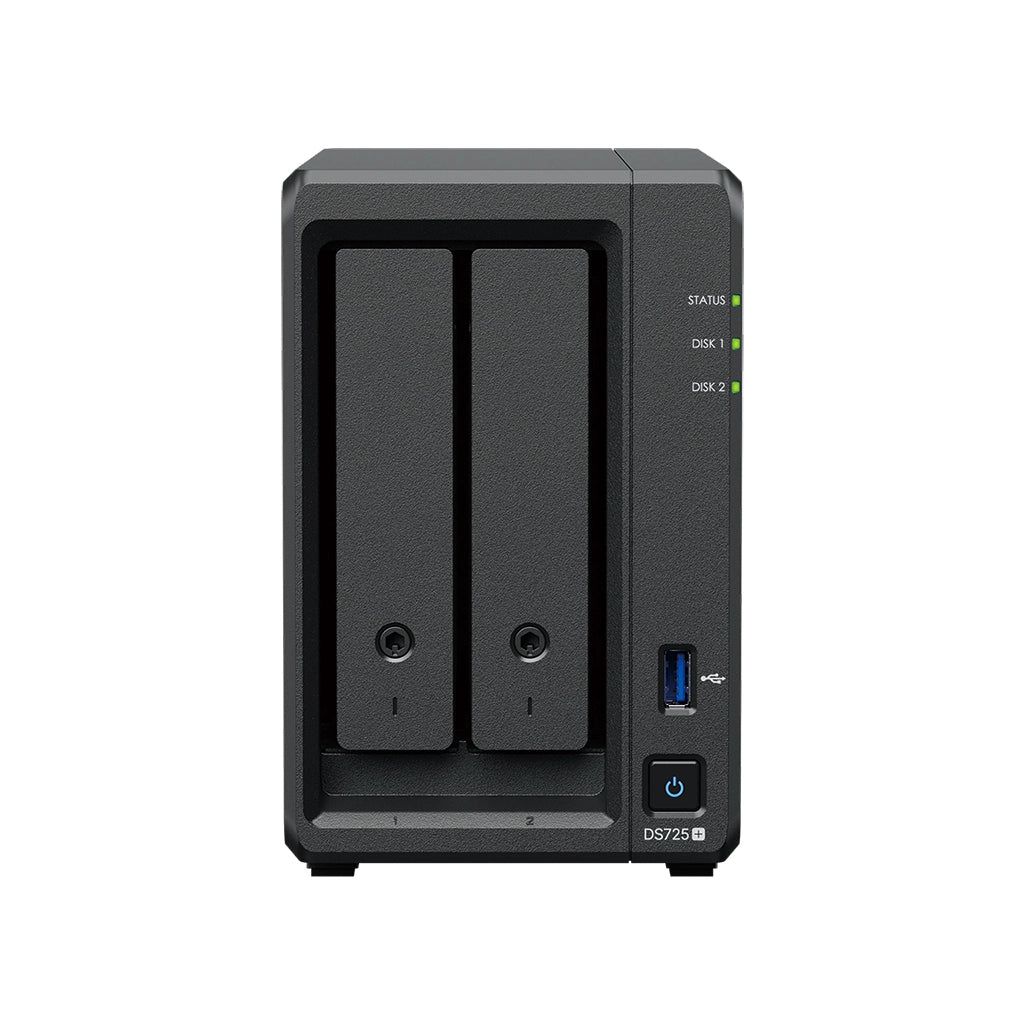
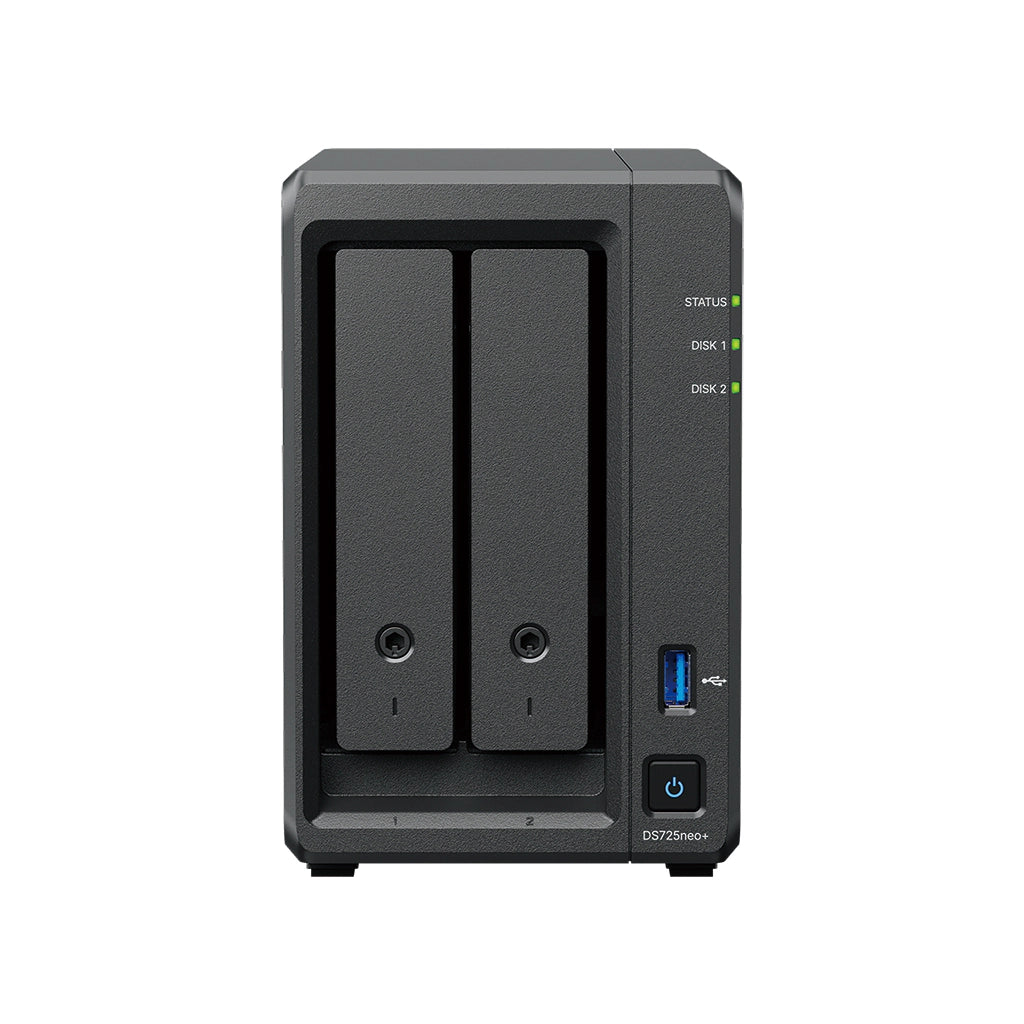
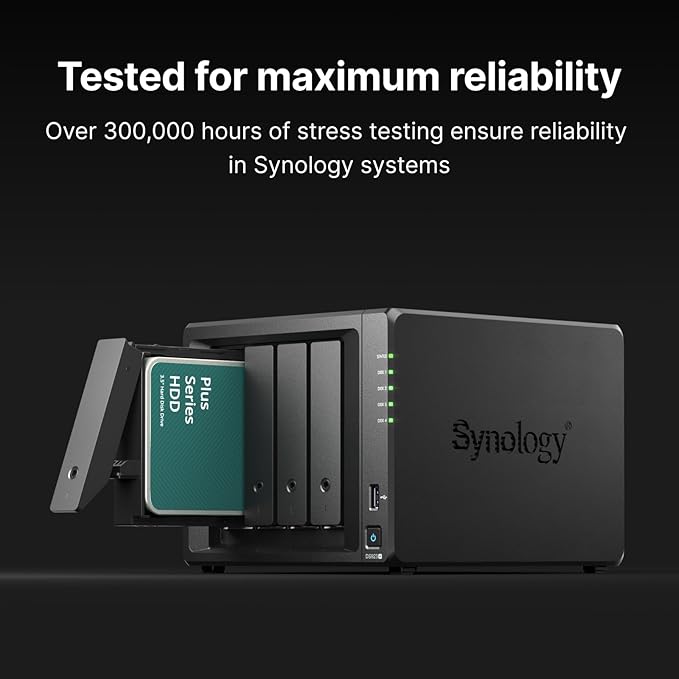
- 2-Bay — DS223j, DS225+, DS725+, DS725neo+: home, family and small-office backup.
- 4-Bay — DS425+, DS925+, DS925neo+: the sweet spot for photos, media and business files.
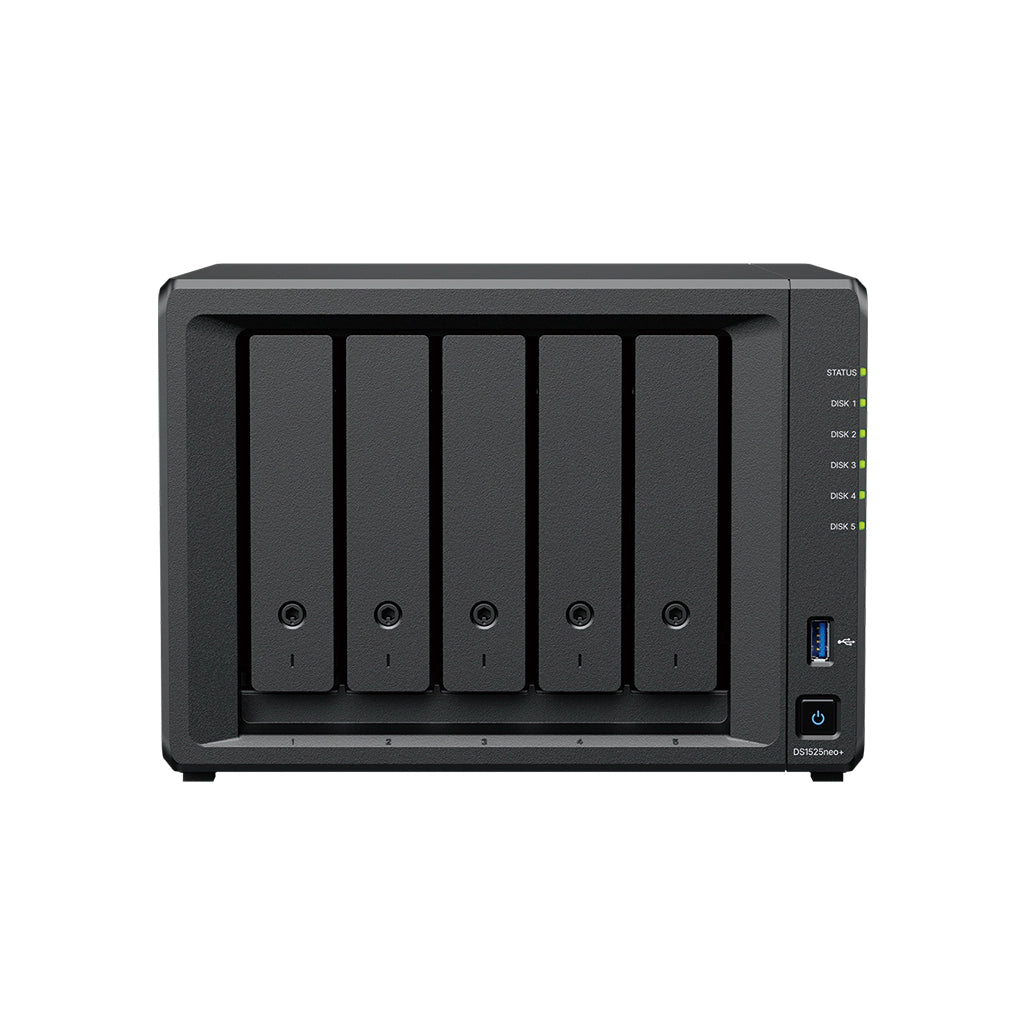
- 5-Bay — DS1525+, DS1525neo+: more capacity and RAID options for growing teams.
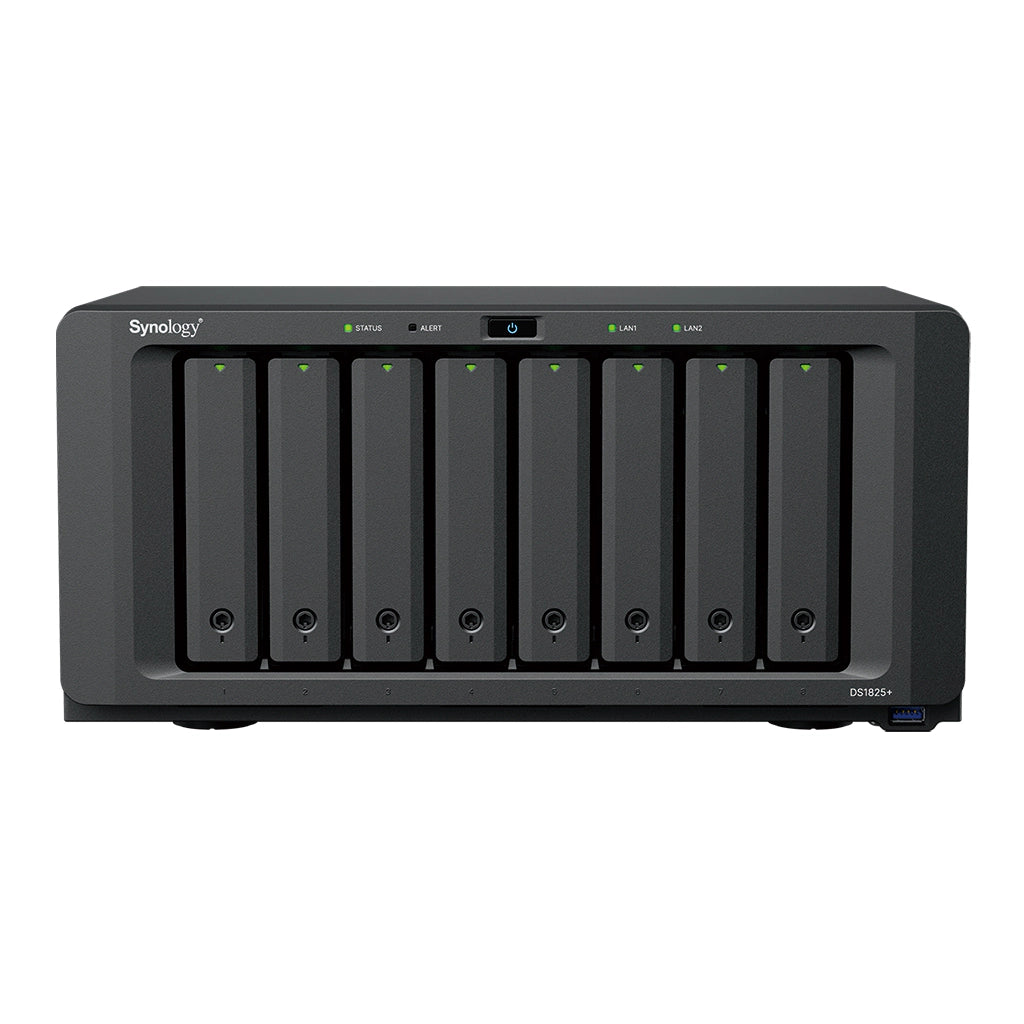
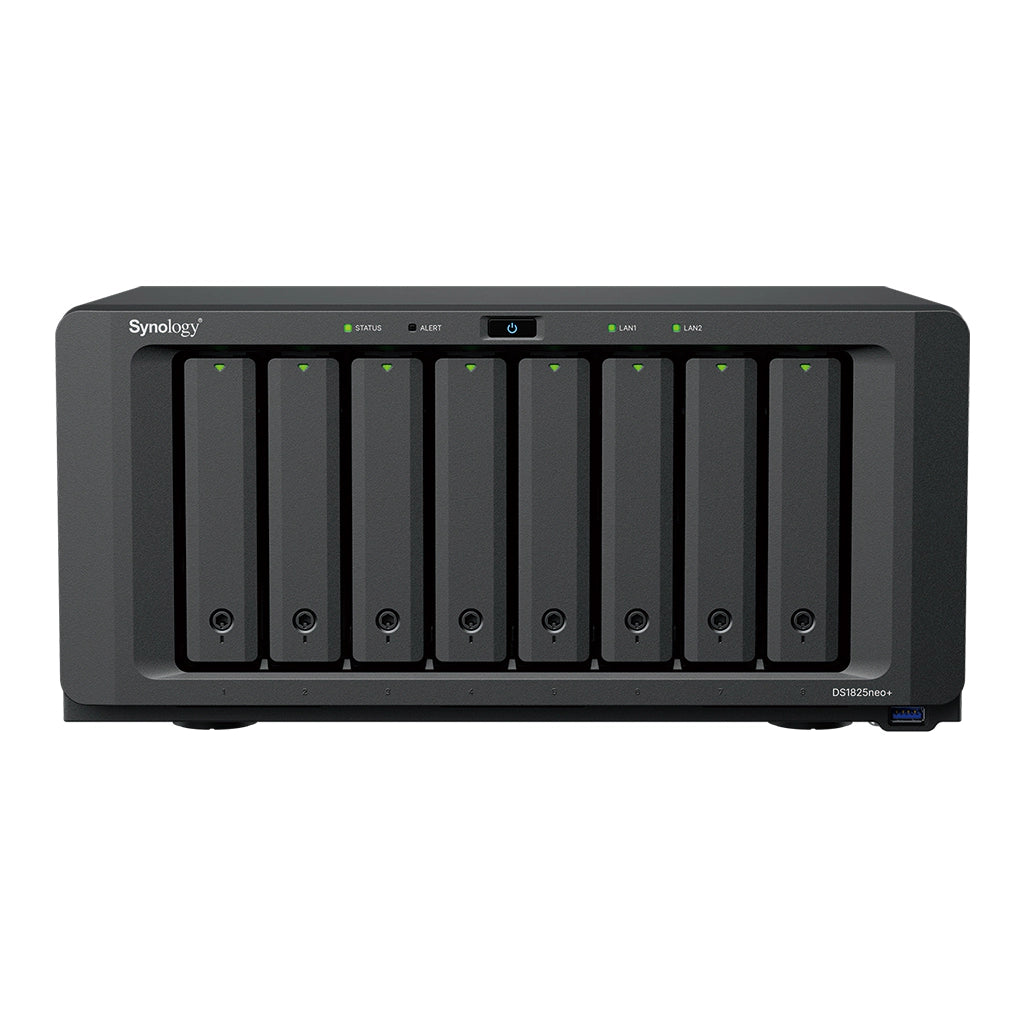
- 8-Bay — DS1825+, DS1825neo+: high-capacity storage and virtual machines.
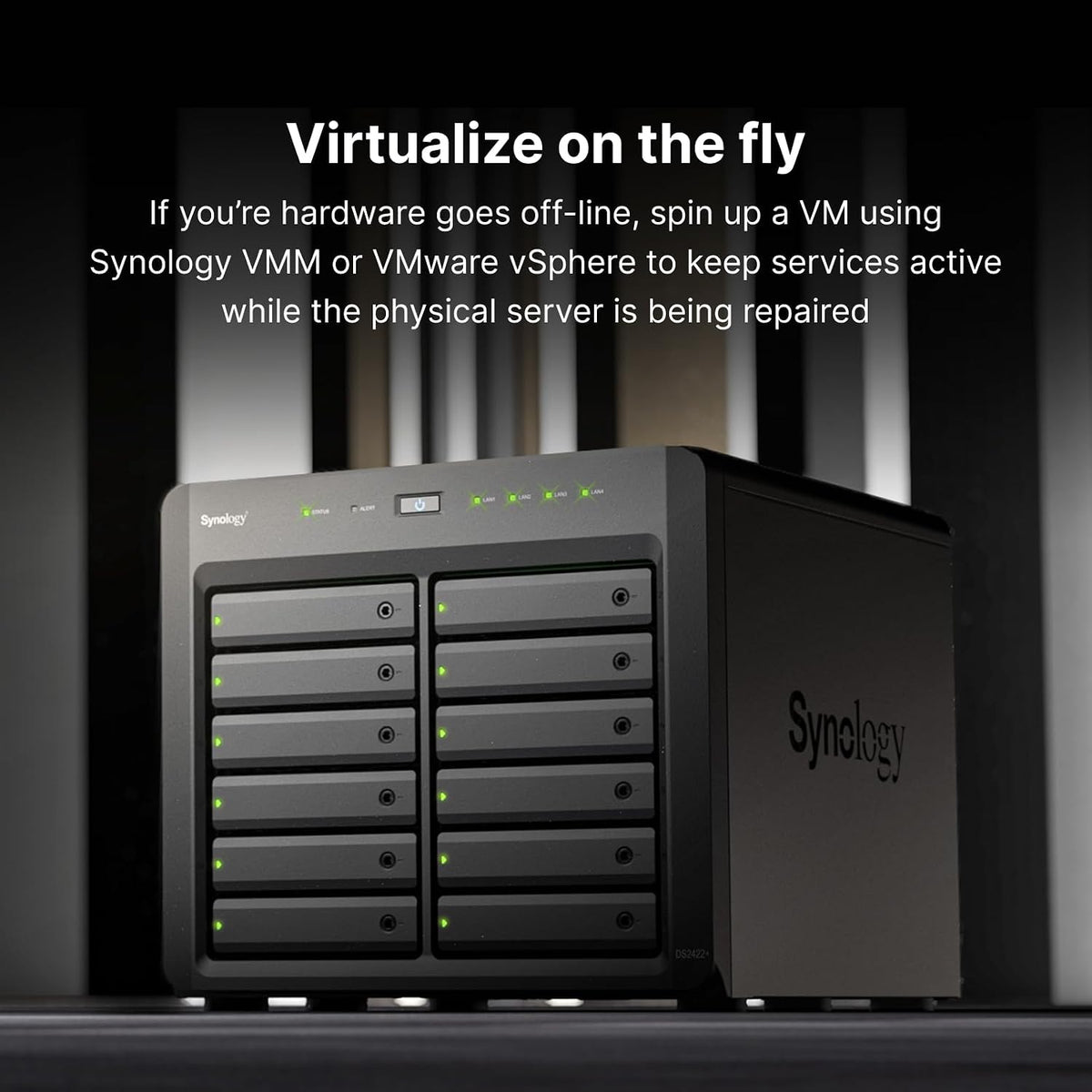
- 12-Bay — DS2422+, DS3622xs+: enterprise-grade, multi-user storage.
Pair it with Synology drives
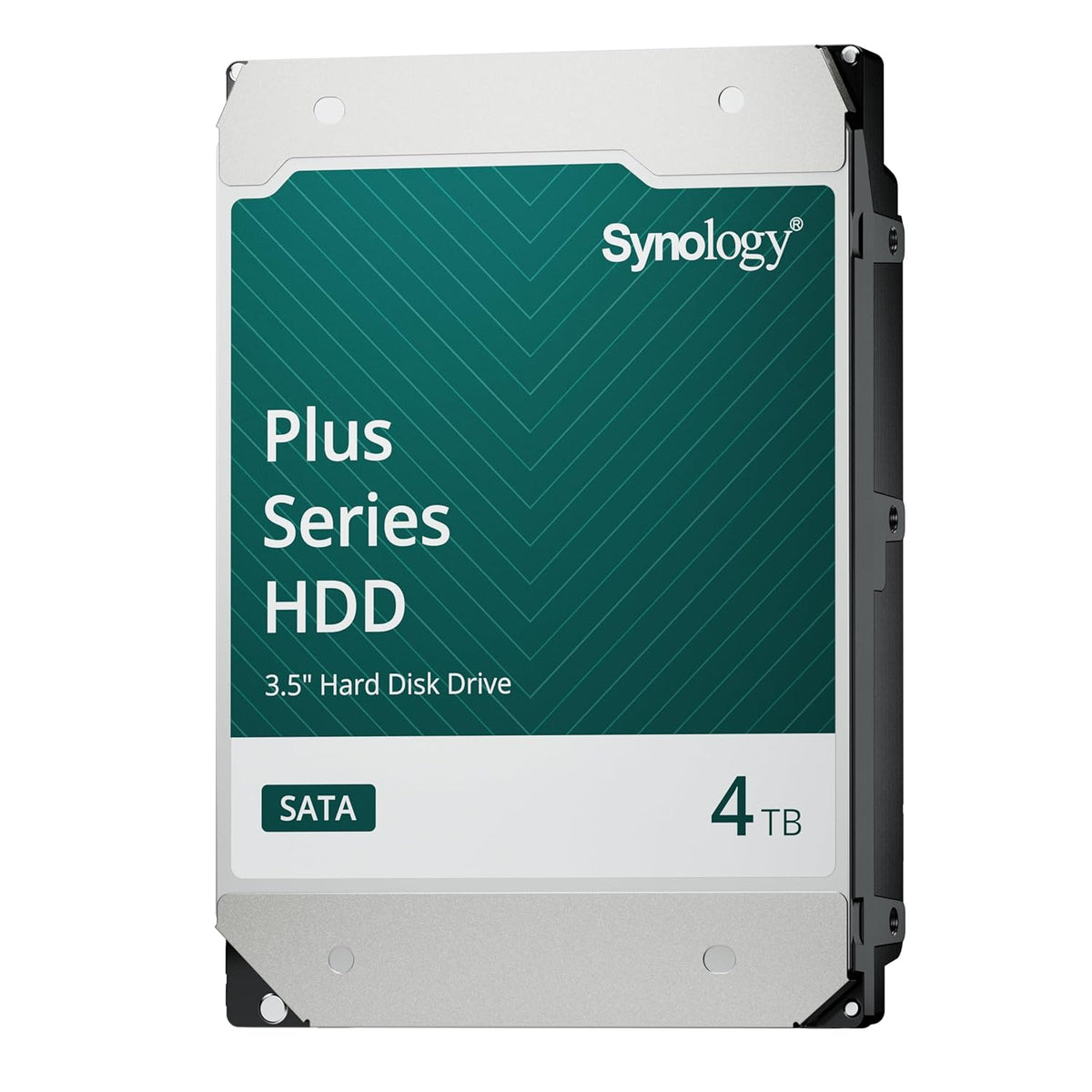
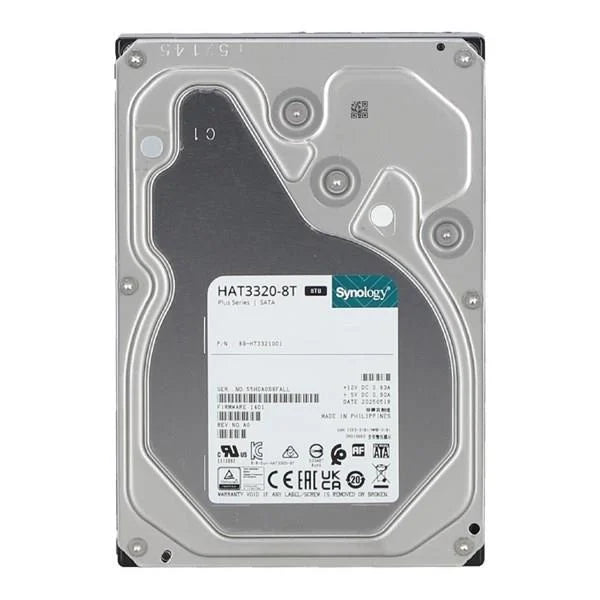
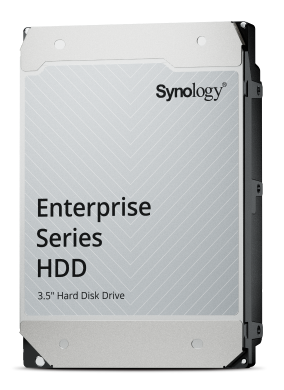
Synology-branded HDDs are validated for DSM, so health monitoring and support work out of the box: HAT3300 4TB, HAT3320 8TB, HAT3310 16TB (Plus series), HAT5320 20TB and HAT5320 24TB (Enterprise series). Choose Diskless if you already have drives. Drive options include one drive; add more by increasing the quantity. Items not in stock are supplied on order; we confirm the delivery time after you order.
Apps you can run on DSM
Every Synology NAS runs DSM, which includes these apps from the Package Center at no extra licence cost (some features and camera licences vary by model).

Synology Drive
Private file sync and sharing across computers and phones

Synology Photos
Automatic phone photo backup with smart search

Active Backup for Business
Back up PCs, servers and virtual machines to your NAS

Active Backup for Microsoft 365
Protect email, OneDrive, SharePoint and Teams data

Hyper Backup
Keep a separate off-site or cloud copy of your data

Snapshot Replication
Point-in-time snapshots to recover deleted or changed files

Cloud Sync
Sync with Google Drive, OneDrive, Dropbox and more

Container Manager
Run Docker containers on supported models

Virtual Machine Manager
Run virtual machines on supported models

Surveillance Station
Record and manage IP cameras; extra camera licences sold separately

File Station
Browse, upload and share files from any browser

Security Advisor
Scan your NAS settings and get security recommendations
Available apps and features vary by model and DSM version. App icons © Synology Inc.
Why Synology DSM
- Private cloud, photo backup and file sync for every device
- Snapshots, RAID and Hyper Backup to protect your data
- Surveillance, virtualization and 100+ apps in the Package Center
- Genuine product, GST invoice, and installation support from Jain Infoways, SP Road, Bengaluru
Watch: basic Synology installation and setup
The video in the product gallery walks through first-time DSM installation, storage pool creation and basic configuration.
Buying for a business? Ask about volume pricing and share your billing details.
Request a business quote →